In brief
You cannot add multiple intermediate stops to one Waze route. Waze allows one stop before the final destination. For a trip with several stops, plan the full order elsewhere, then open each destination in Waze one leg at a time. Waze Planned Drives also schedules one destination, not a multi-stop itinerary.
Can you add multiple stops in Waze?
You can add one intermediate stop to a Waze route. The stop sits before the final destination. If you need another stop after that, Waze says to start a new drive.
That limit appears in the current Waze instructions for adding a stop. It applies to the normal phone workflow, while the help page also documents how the same single-stop action appears in Android Auto, Android Automotive, and CarPlay.
| Feature | Current behavior | What it means |
|---|---|---|
| Intermediate stops | One per route | A longer trip must be split into separate drives |
| Final destination | One | The intermediate stop is visited first |
| Planned Drives | One scheduled destination | It does not store a multi-stop itinerary |
| Live Map | No added stop | Adding a stop is not supported there |
How to add a stop in Waze on iPhone
Waze documents this iPhone and iPad workflow for adding the one available stop:
Start the route to your final destination
Search for the final destination, tap View routes if shown, then tap Go now.
Open the route controls
Tap the ETA panel at the bottom of the screen, then scroll to Add a stop.
Choose the intermediate place
Use the search icon or a suggested category such as parking, fuel, or restaurants, then select the location.
Confirm the updated drive
Tap View routes if shown, then Go now. Waze places the stop before the original destination.
How to add a stop to a planned drive in Waze
You cannot add the stop while scheduling the Planned Drive. Waze Planned Drives let you choose one destination and arrival time, then receive a reminder based on expected traffic and your location.
The Waze Planned Drives documentation says a stop can be added before or during the actual drive, but not while planning it. When it is time to leave, open the planned drive, start navigation, and use the iPhone steps above to add the one available stop. A Planned Drive is useful for deciding when to leave for one destination. It is not a saved sequence of lunch, coffee, sightseeing, and hotel stops.
How to plan a trip with several stops using Waze
For a trip with several stops, keep one ordered itinerary outside Waze and treat every pair of places as a separate leg. Build the itinerary before opening Waze, especially when the request includes timing, stop purpose, or detour limits rather than a clean list of addresses.
Write the complete trip brief
Record the origin, final destination, stop types, timing, route preferences, and acceptable detours before departure.
Choose and order the actual places
Resolve the restaurants, viewpoints, coffee stops, fuel stops, or rest breaks and check whether their order still makes sense as one drive.
Keep the remaining itinerary visible
Save the complete sequence in a planner, note, or shared list so the next address is ready when each leg ends.
Open only the next Waze leg
Navigate to the first stop. After arriving, open the next stop as a new Waze drive and repeat until the final destination.
Change the route safely
If the plan changes, pull over before handling the phone or let a passenger prepare the next leg.
This approach preserves Waze for live navigation without asking it to store a route format it does not support. The important part is keeping the next address and the remaining order easy to reach, so the driver is not rebuilding the plan at every stop.
The free Waze multiple stops planner keeps the full sequence in one browser page and creates a separate Waze link for each leg. It is useful when you already know the places and only need to keep them in order.
Example: turn a road-trip idea into Waze legs
A vague plan such as “Budapest to Lake Bled with coffee, a scenic lunch, and a viewpoint” is not ready for Waze because most of the places are still unknown. A Waze-ready itinerary identifies and orders the actual places first:
- Start in Budapest.
- Stop for coffee after roughly 90 minutes without leaving the main corridor.
- Choose a scenic lunch stop that fits the arrival time.
- Add a viewpoint only if it stays within the chosen detour limit.
- Finish at the Lake Bled destination.
Once those places are resolved, each item becomes the next Waze drive. The planning work happens before navigation; Waze handles the live leg.
When Waze becomes limiting for multi-stop trips
If you only need one additional stop, Waze may be enough. The limitation matters when the trip includes several planned places, when stop order affects the route, or when you still need to find the actual coffee shop, restaurant, viewpoint, or hotel.
For a road trip that already has known stops, keep the sequence in the free Waze multi-stop route planner. If the places are not known yet, Ownway can use the kind of stop and detour you want to find fitting options before navigation starts.
How Ownway works with Waze
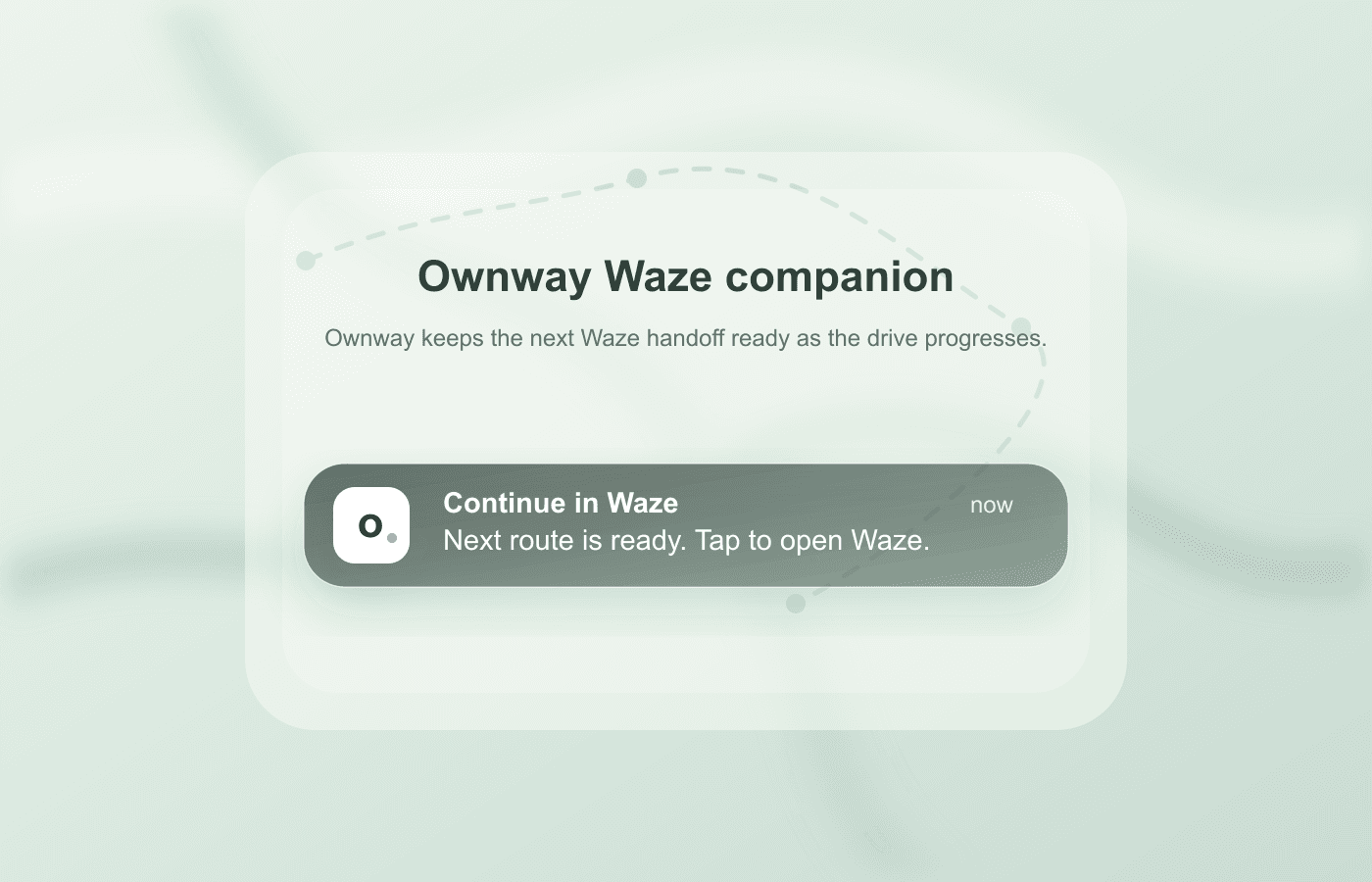
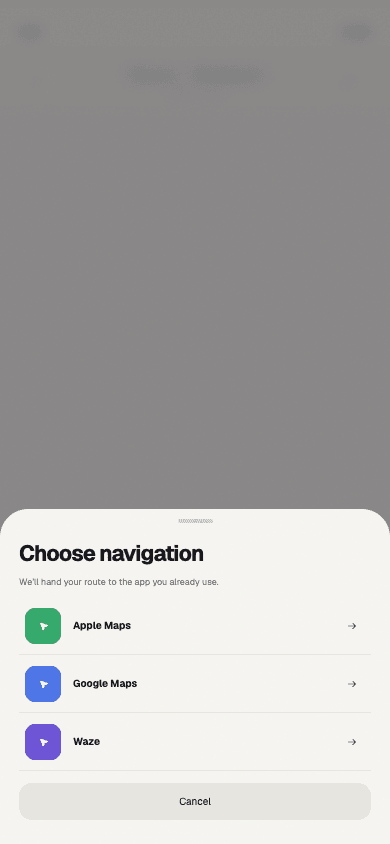
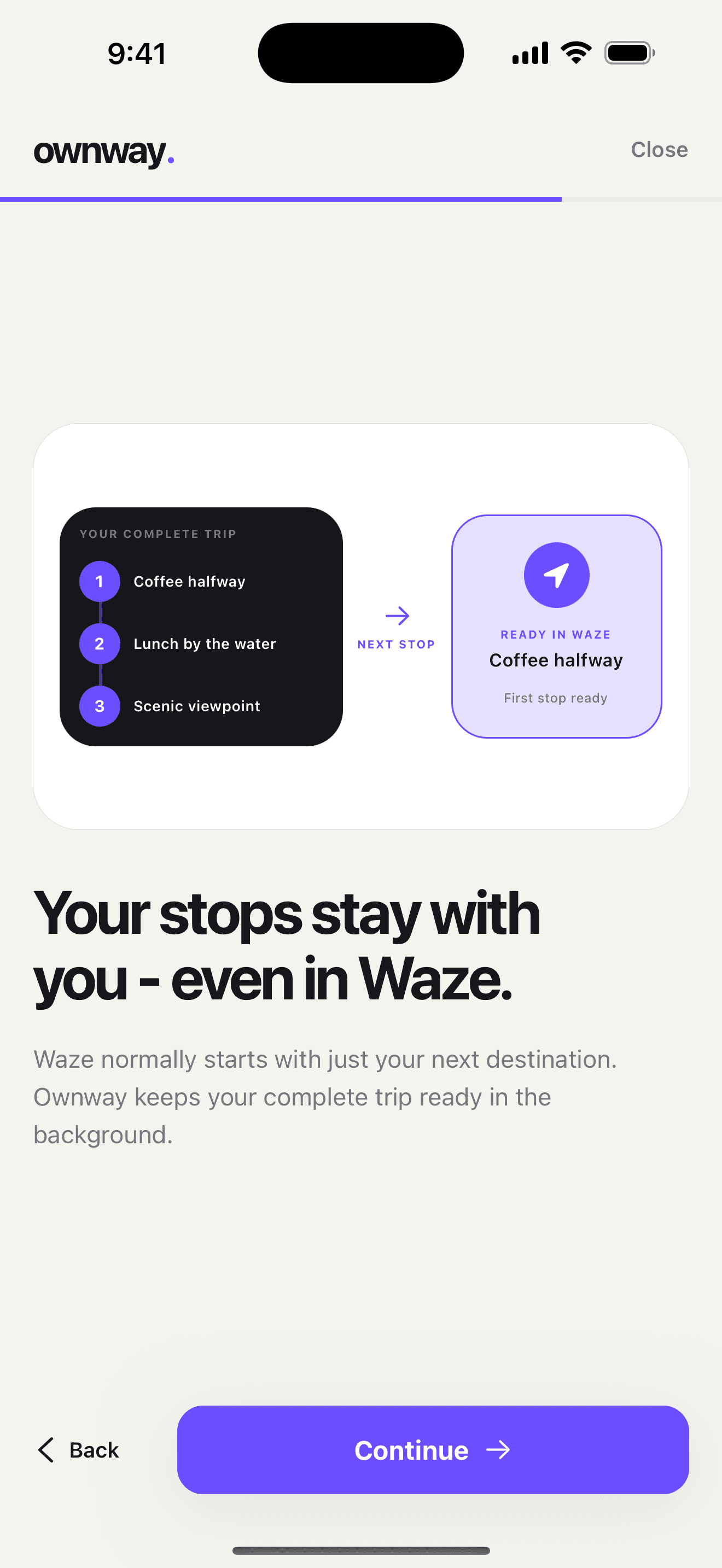
Ownway is built around the same leg-by-leg constraint. It keeps the ordered itinerary in Ownway. During an active Waze Companion trip, arrival at each planned point, including route-shaping points, prepares a notification for the next leg. The driver taps that notification to open Waze.
It does not import a complete multi-stop itinerary into Waze, and it does not open the next leg without the driver's action. Ownway handles the plan; Waze handles each live navigation leg.
If you want Ownway to find and order the stops before the drive, get the app on the App Store. If every address is already known, the free browser planner is the faster option.
For the broader differences, see Apple Maps vs Google Maps vs Waze for multi-stop road trips.
If you want to keep Waze for navigation but compare apps that can hold the complete itinerary, see Waze route planner alternatives for multiple stops.
If the itinerary itself is not ready yet, start with the route-first multi-stop road trip workflow.
Frequently asked questions
- Can you add multiple stops in Waze?
- Not in one route. Waze currently accepts one intermediate stop before the final destination, so a trip with several stops must be divided into separate drives.
- Can I add a stop to a Waze Planned Drive?
- Not while scheduling it. Waze says a stop can be added before or during the actual drive.
- How do I add a stop in Waze on iPhone?
- Start navigation to the final destination, tap the ETA panel, scroll to Add a stop, choose or search for the place, then confirm the updated route.
Sources
- Add a stop to your routeWaze Help · Accessed September 6, 2026
- Plan a driveWaze Help · Accessed September 6, 2026