In brief
Apple Maps is the strongest native iPhone option for a longer known itinerary, with up to 14 stops. Google Maps allows up to nine stops including the final destination and adds useful along-route discovery. Waze permits one intermediate stop, so longer trips need separate legs. The best choice depends on whether you are planning stops or navigating them.
The short comparison
| Feature | Apple Maps | Google Maps | Waze |
|---|---|---|---|
| Native stop capacity | Up to 14 stops along a driving route | Up to 9 stops including the final destination | 1 intermediate stop before the final destination |
| Reorder before driving | Manual drag | Manual drag | Not a multi-stop list |
| Along-route discovery | Search or choose map places | Explore along your route suggestions | Suggested categories for the single stop |
| Schedule a future drive | Route planning features vary | Depart or arrive time is documented for one destination | Planned Drives schedules one destination |
| Best fit | Known multi-stop iPhone itinerary | Cross-platform planning and discovery | Live navigation one leg at a time |
There is no universal winner because the three apps are not solving the same planning problem.
Choose Apple Maps for a longer list of known places
Apple's current guide supports up to 14 stops along a driving route. You can search for each place, select it from the map, and drag the stops into order before tapping Go.
That makes Apple Maps a strong choice when the itinerary is already decided and the driver wants an iPhone-native route. A stop added during active navigation becomes the next stop.
Read the detailed Apple Maps multiple stops guide.
Choose Google Maps for cross-platform use and stop discovery
Google Maps supports up to nine stops including the final destination. Stops can be reordered manually.
Its useful planning advantage is discovery. Google's Explore along your route can surface restaurants and points of interest in the context of an existing route. That helps when you know the type of stop but not the exact venue.
Read the detailed Google Maps multiple stops guide.
If the stops still need a planning layer before navigation, compare Google Maps alternatives for multiple stops.
Choose Waze when you want Waze navigation one leg at a time
Waze is different. Its official help page allows one intermediate stop per route. A longer itinerary must be broken into separate drives.
Waze Planned Drives can schedule one destination and remind you when to leave based on traffic. Waze says a stop cannot be added while scheduling that drive; it can be added before or during the actual drive.
Read Can Waze do multiple stops? for the leg-by-leg workflow.
To decide where the complete itinerary should live, compare Waze route planner alternatives for multiple stops.
Planning and navigation are separate decisions
The navigation app does not have to be the place where the trip is invented. A dedicated planning layer can resolve the stops, decide their order, compare the route with going direct, and then hand the result to navigation.
This separation is especially useful when the request is experiential rather than address-based: lunch near water, coffee after two hours, or a viewpoint that stays within a detour budget.
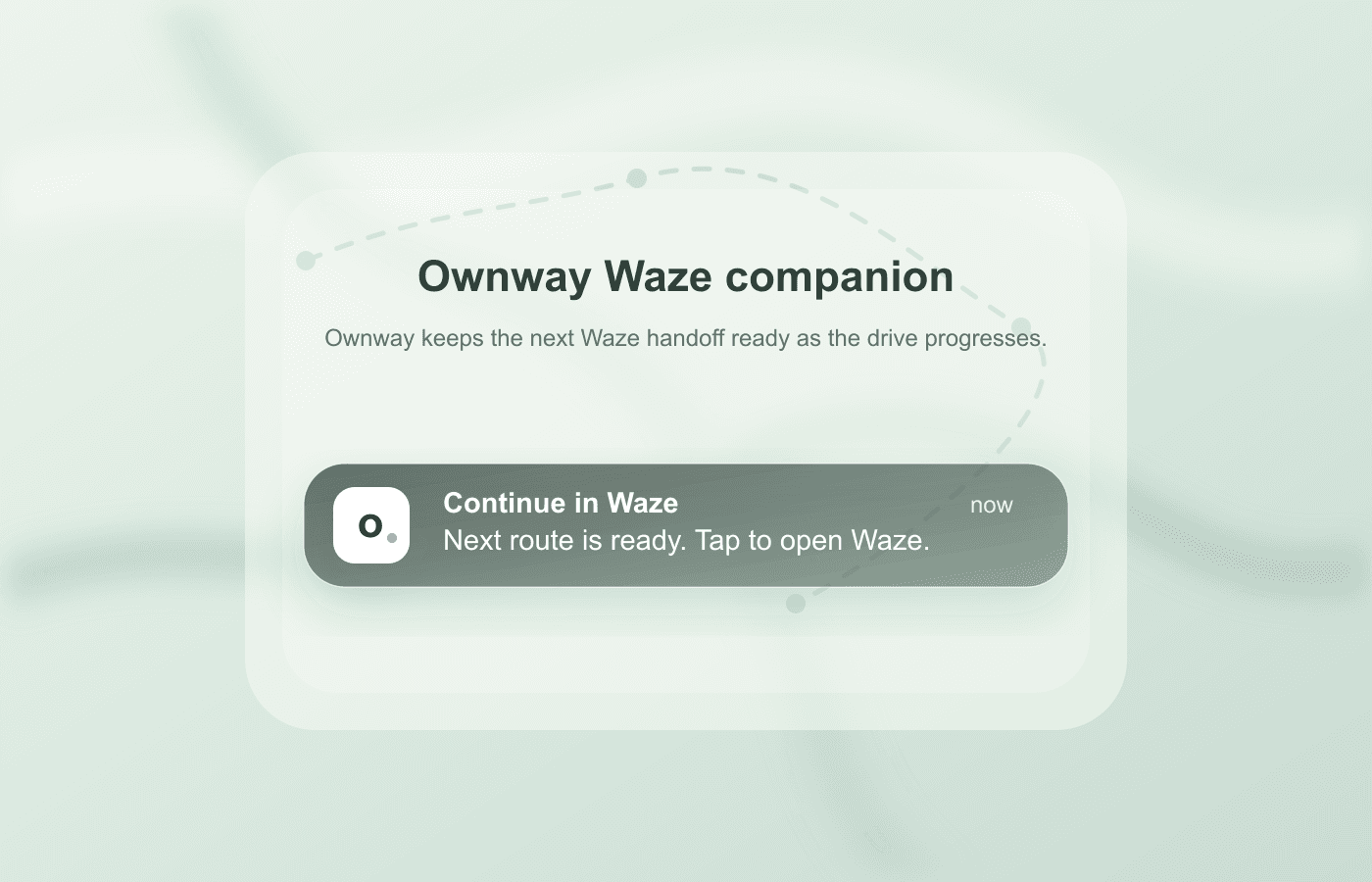
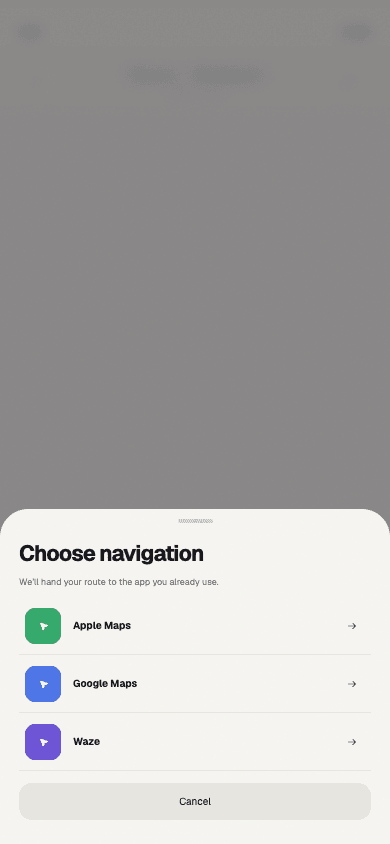
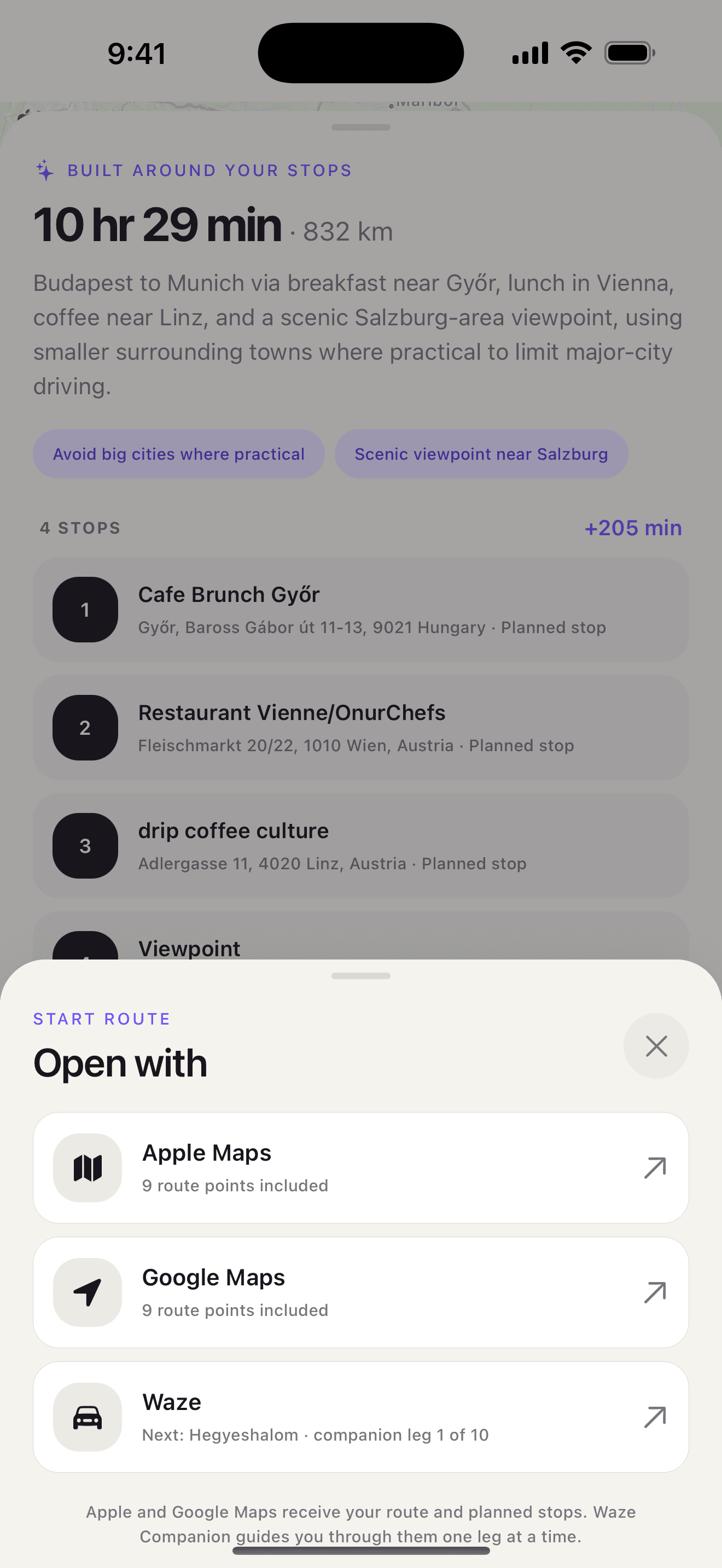
Ownway can prepare an ordered itinerary for Apple Maps or Google Maps within each app's supported limits. Waze Companion keeps the complete plan in Ownway and prepares a notification for each next Waze leg; the driver taps to continue.
| Job | Navigation apps | Ownway |
|---|---|---|
| Choose the actual stops | Search or select places, usually one at a time | Resolve experience-led requests from one trip brief |
| Order the drive | Manually reorder known stops; Waze supports one intermediate stop | Resolve and order the planned points together |
| Compare trade-offs | Show routes for the entered itinerary | Compare the planned itinerary with direct alternatives |
| Guide the drive | Provide turn-by-turn navigation | Hand the plan to Apple Maps or Google Maps, or advance Waze leg by leg |
Ownway is therefore a complement, not a fourth turn-by-turn navigation engine. For comparisons with dedicated trip planners, see Roadtrippers vs Ownway, Wanderlog vs Ownway, and Furkot vs Ownway.
Which app should you use?
- Use Apple Maps if you are on iPhone, know the places, and want the largest documented native stop list of these three apps.
- Use Google Maps if you need cross-platform access or want suggestions along the route, within its nine-stop limit.
- Use Waze if Waze is your preferred live navigation experience and you are comfortable moving through a longer plan one leg at a time.
- Use a separate planner first if the places are not known yet or the complete route trade-off matters more than simple address entry.
Frequently asked questions
- Which map app allows the most stops?
- Of these three, Apple Maps documents up to 14 stops along a driving route. Google Maps documents nine stops including the final destination, and Waze allows one intermediate stop.
- Do Apple Maps or Google Maps automatically optimize stop order?
- Their official help pages document manual drag-to-reorder workflows. They do not describe an automatic best-order action for an unordered stop list.
- Can Waze navigate a trip planned somewhere else?
- Yes, one destination or one intermediate-stop route at a time. A separate itinerary must keep track of the later legs.
Sources
- Change or add stops to your route in Maps on iPhoneApple Support · Accessed August 14, 2026
- Get directions and show routes in Google Maps — iPhone and iPadGoogle Maps Help · Accessed August 14, 2026
- Add a stop to your routeWaze Help · Accessed August 14, 2026
- Plan a driveWaze Help · Accessed August 14, 2026
- Find hidden road trip gems with this Maps tipGoogle · Accessed August 14, 2026
- Get Started with Maps URLsGoogle for Developers · Accessed August 14, 2026