Coffee stop near Siófok
From Budapest
Free road trip tool
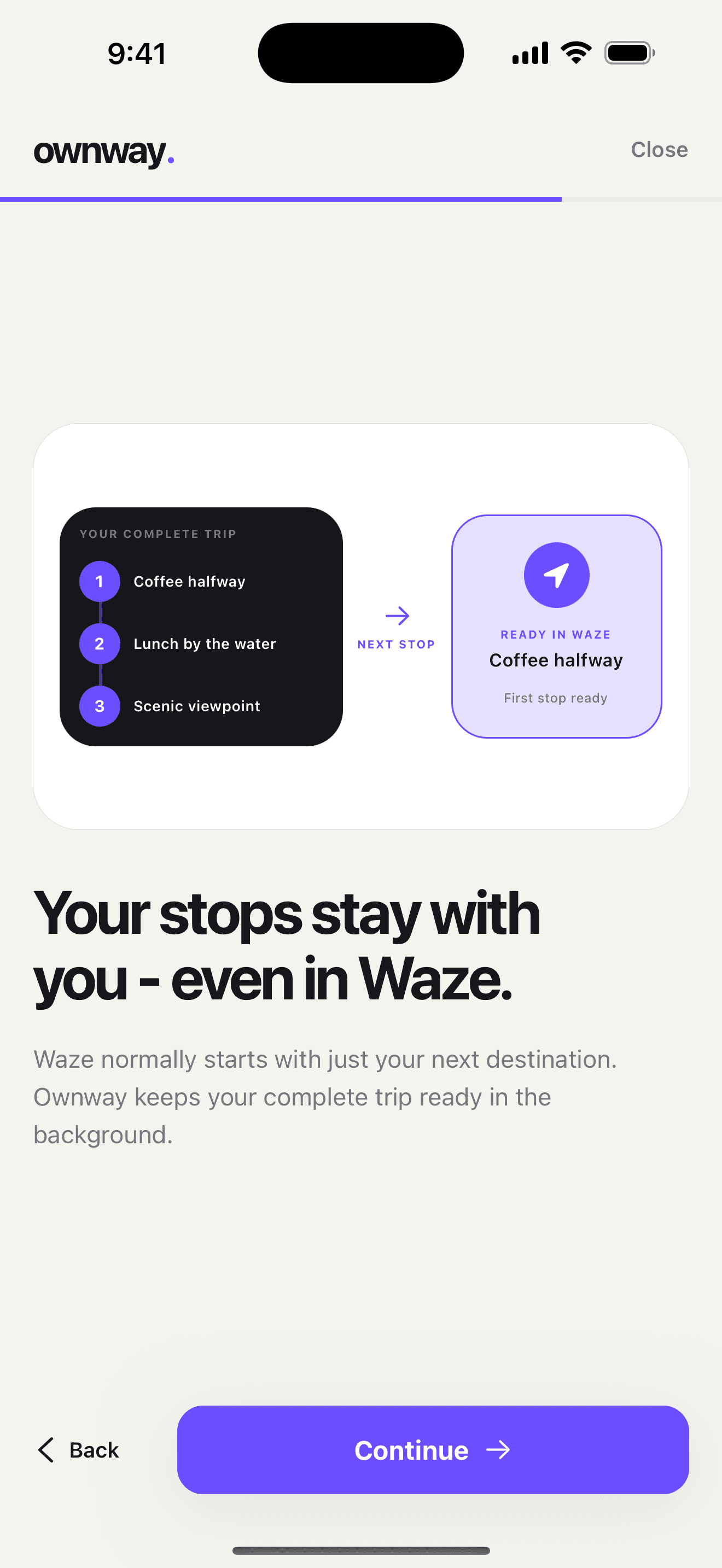
Waze is excellent once you are driving, but it is not built to hold a long list of road trip stops. Use Ownway as the planning layer: keep the full itinerary together, then drive it through Waze one leg at a time.
One intermediate stop can be added before the destination.
Start, destination, lunch, fuel, viewpoints, and route-shaping stops.
Quick answer
Waze can add one intermediate stop before your destination, but it does not work like a full multi-stop road trip planner. For several stops, keep the whole itinerary outside Waze, then open each next destination as a separate Waze leg. That is what this free Ownway tool helps you do.
Planner preview
Enter the route in the order you want to think about it. Ownway keeps that full sequence visible, creates a Google Maps route link, and breaks the drive into next-destination steps for Waze, Google Maps, and Apple Maps. In this free web tool, Apple Maps opens one leg at a time. The Ownway app handles the proper app-based handoff more smoothly.
Build the sequence
This planner does not optimize the route yet. It gives you a clean sequence, then turns the plan into Waze-sized legs.
Waze-sized output
Waze gets one destination at a time. Keep this tab as the full plan, then open the next destination when each leg is done.
planned stops
Waze legs
Google Maps receives the start, destination, and 3 waypoints. Google documents stricter waypoint support on some mobile browser fallbacks.
From Budapest
From Coffee stop near Siófok
From Lunch in Ljubljana
From Scenic viewpoint before Lake Como
In this free web tool, Apple Maps opens one drive segment at a time. That keeps the web links dependable. The Ownway app is built for the smoother full planning and handoff experience.
On-road workflow
The safest version of this workflow starts before the car moves. Build the route, copy the itinerary if you want a backup, and only open the next Waze leg when you are parked or a passenger can handle it.
Add the start, final destination, and every stop you already know. Include route-shaping points if you want Waze to take a specific corridor.
Tap the first generated Waze link while parked or before departure. Waze will search the next destination; confirm the result in Waze before driving.
When you arrive, come back to this page or your copied itinerary, then open the next Waze destination. The web tool stays as your full trip checklist.
Why this exists
Treat Waze as the live navigation layer and Ownway as the route planning layer. That separation is the point of this free tool.
Decide the stops, order, and detour tolerance before the car is moving.
Use Waze where it is strongest: live navigation to the next planned point.
Open the sequence in Google Maps, or open individual legs in Google Maps or Apple Maps.
Want the deeper explanation? Read the source-backed Waze multiple stops guide, then compare broader options in the road trip planner app roundup.
What the free Waze stop planner is meant to solve.
Waze can add one stop before a destination. For a trip with several stops, plan the full sequence outside Waze, then open each leg as you drive.
The planner helps you write down the start, destination, and planned stops in one route-first itinerary, then turns the sequence into a Google Maps route link and Waze, Google Maps, and Apple Maps leg links.
No. Ownway is the planning layer. Waze remains the navigation app for live driving, traffic, and turn-by-turn guidance.
Not in this free web tool yet. You can reorder stops manually here. Ownway's app is built for fuller route planning, stop discovery, and navigation handoff.
Apple's public map links are reliable for directions between two points. This tool therefore opens Apple Maps one leg at a time instead of claiming a full multi-stop Apple Maps web handoff.
Ownway
Ownway is built for the space between “I know the places I want” and “Waze is guiding me there.”
Get Ownway