In brief
The best Waze route planner alternative for multiple stops is usually not a replacement for Waze navigation. It is a planning layer that stores the whole itinerary, chooses or orders the stops, and then lets you drive each leg in Waze. Use Apple Maps or Google Maps when the stops are already known. Use Ownway when you want to describe the trip and have the app find fitting stops first.
Why Waze needs a planning layer for longer trips
Waze is built for the active drive: traffic, hazards, police reports, lane guidance, and getting to the next place. It is not designed to hold a full road trip itinerary with breakfast, coffee, viewpoints, route-shaping points, and a hotel at the end.
Waze’s own help page says a route can include one intermediate stop. The detailed Waze stops guide explains that limit, Planned Drives, and the current iPhone steps. This page focuses on choosing the separate planning layer instead.
That means the practical question is not “What app replaces Waze?” The better question is:
What planner can hold the complete trip before I open the next Waze leg?
Quick answer: choose by planning job
| Need | Best fit | Why |
|---|---|---|
| Known stops on iPhone | Apple Maps | Apple documents up to 14 stops along a driving route |
| Short cross-platform stop list | Google Maps | Google documents up to 9 stops including the final destination |
| Waze live navigation | Separate itinerary + Waze | Waze handles the current leg; the planner stores the full route |
| Stops are not known yet | Ownway | Describe the trip, stop types, detours, and timing before choosing navigation |
Option 1: Apple Maps when you know every stop
Apple Maps is a strong Waze alternative if you are on iPhone and already know the places. Apple documents support for up to 14 stops along a driving route, and you can reorder those stops before driving.
Use Apple Maps when the work is mostly address entry:
- home to restaurant to viewpoint to hotel;
- several known errands;
- a simple itinerary where the order is already obvious;
- an iPhone-only trip where Apple Maps is acceptable for navigation.
The trade-off is discovery. Apple Maps can search for places, but it is not a route-planning assistant that interprets a messy road trip brief. If your request is “find a good lunch stop near water without adding much detour,” you still need to do the planning work.
For the exact workflow, read the Apple Maps multiple stops guide.
Option 2: Google Maps for shorter multi-stop routes
Google Maps is useful when you want a familiar planner that works across devices. Google documents multiple destinations for supported transport modes and says you can add up to 9 stops, including the final destination.
Use Google Maps when:
- the trip has a small number of known stops;
- you want to share or preview the route easily;
- you want search and place discovery close to the map;
- you are comfortable manually reordering the route.
The important limitation is that Google Maps still expects you to choose the actual places. It can help you search, but it does not automatically turn a whole trip brief into a balanced road trip plan.
For details, see the Google Maps multiple stops guide.
Option 3: Keep Waze and add a separate planning layer
You do not need to replace Waze to plan a longer trip. Keep the complete stop order in a separate planner, then open only the next destination in Waze after each arrival.
If the addresses are already known, the free Waze multi-stop route planner stores the sequence, creates a Google Maps route link where supported, and provides an individual Waze link for each leg. Use the instructional Waze guide when you need the native stop steps or Planned Drives explanation.
Option 4: Ownway when the stops are not known yet
Ownway is for the planning step before navigation. You can type or speak the whole drive in plain language:
Budapest to Lake Bled. Coffee after about 90 minutes, lunch somewhere scenic, one viewpoint if it adds less than 20 minutes, and avoid big city detours if possible.
Ownway’s job is to resolve real places, order the stops, compare route trade-offs, and prepare the route for the maps app you want to use. If you choose Waze, Ownway does not pretend Waze can accept every stop as one native route. Waze Companion keeps the itinerary in Ownway and prepares the next Waze handoff as the drive progresses.
Get Ownway on the App Store if you want to describe the trip and have the stops found before Waze opens. If you already know the addresses, use the free Waze multi-stop route planner instead.
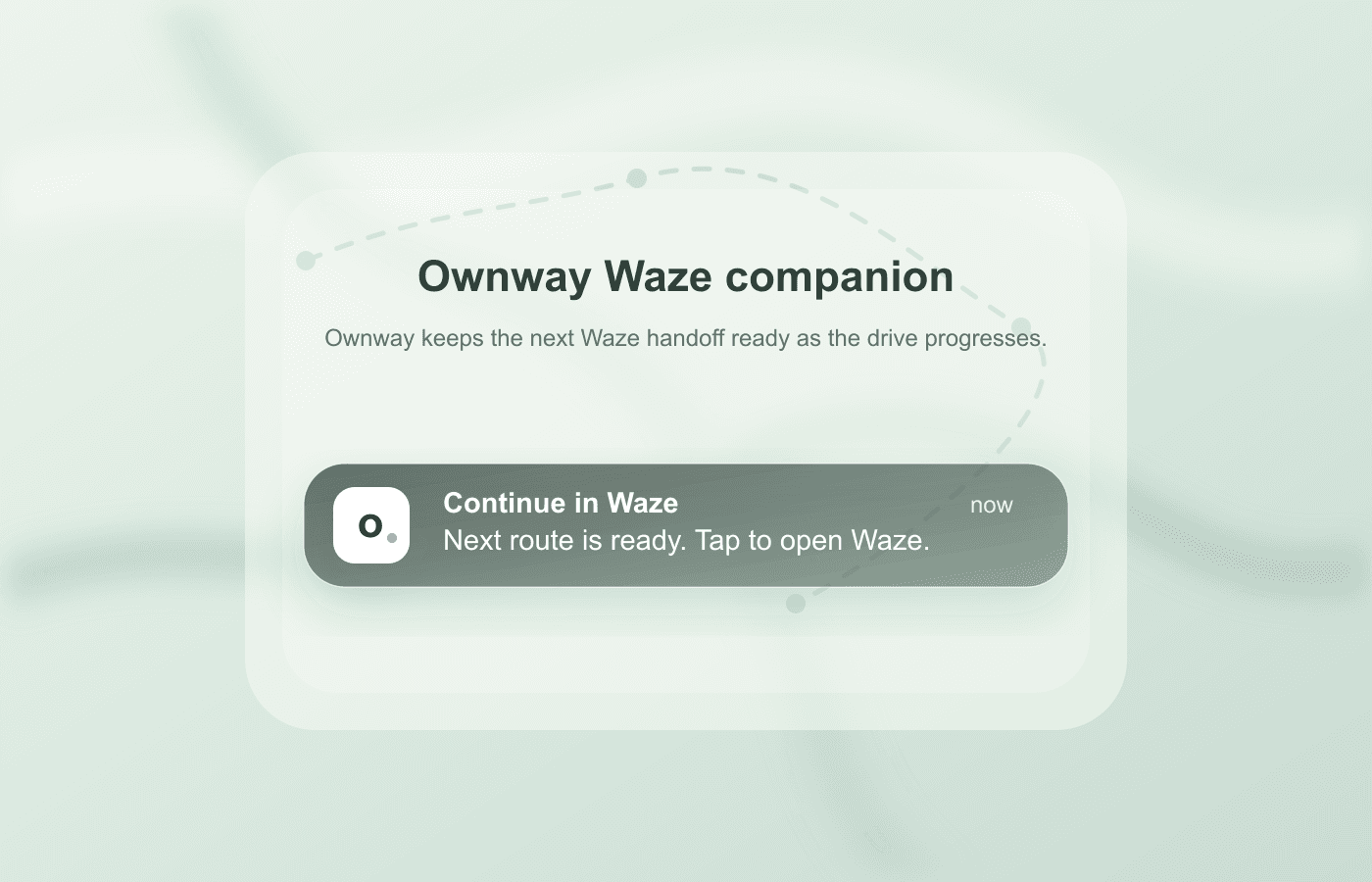
That makes Ownway a Waze companion, not a Waze replacement. Waze remains the live navigation app. Ownway keeps the trip plan.
Which route planner should you choose?
Choose based on what is still uncertain.
If you know every address, Apple Maps or Google Maps may be enough. If you want Waze traffic and driving behavior, keep the plan elsewhere and open Waze one destination at a time. If you know the kind of trip you want but not every stop, use a planner that can resolve the places before navigation starts.
For the Waze limit and native stop steps, read how to add multiple stops in Waze. If you want to build a route immediately, use the free Waze multi-stop route planner.
Frequently asked questions
- What is the best alternative to Waze for planning multiple stops?
- Use a separate route planner before Waze if the trip has several stops. Apple Maps works well for known iPhone itineraries, Google Maps works for shorter cross-platform stop lists, and Ownway is useful when you want the planner to find and order stops from a natural trip brief.
- Can I still use Waze after planning somewhere else?
- Yes. Keep the complete itinerary in the planner, then open the next destination in Waze one leg at a time.
- Which route planner can I use before Waze?
- Apple Maps or Google Maps can hold known stop lists within their documented limits. Ownway is useful when you know the kind of stops you want but need help finding and ordering the actual places.
Sources
- Add a stop to your routeWaze Help · Accessed August 28, 2026
- Plan a driveWaze Help · Accessed August 28, 2026
- Change or add stops to your route in Maps on iPhoneApple Support · Accessed August 28, 2026
- Get directions & show routes in Google MapsGoogle Maps Help · Accessed August 28, 2026
- ownway - Route & Stop PlannerApp Store · Accessed August 28, 2026