In brief
To find restaurants along a route, decide when you want to stop first, then search near that part of the drive instead of searching around the whole map. The best road-trip food stop is not just the highest-rated restaurant. It is a place that fits your timing, adds a reasonable detour, has practical parking, and still leaves the rest of the route intact.
Start with the moment, not the restaurant
For a quick manual search, open the drive in your map app and look for food near the part of the route where you want to eat. Google describes exploring restaurants along a route; Waze includes restaurant search when you add its one intermediate stop. Check the restaurant's hours for your expected arrival, then compare the full route with the stop added.
Most restaurant searches begin backwards. You open a map, search for food, and get a wall of places. Some look great, but they may sit too early in the drive, too late in the day, or ten miles off the useful route.
For a road trip, the better first question is:
Where in the drive should this stop happen?
That usually means choosing a timing window before choosing a place:
- coffee after 60–90 minutes;
- lunch around the halfway point;
- dinner before the final mountain road;
- a quick food stop near fuel;
- a scenic restaurant if it adds less than 15–20 minutes.
Once the timing is clear, the search gets sharper. You are no longer looking for every restaurant between A and B. You are looking for a restaurant that fits one useful part of the route.
A simple workflow for finding food along the way
Use this process when the route matters more than the restaurant brand.
Build the direct route first
Start with the origin and final destination. Note the normal drive time and general shape of the route before adding stops.
Choose the eating window
Pick the part of the drive where the stop should happen. For example: “lunch after about two hours” is much more useful than “somewhere for lunch.”
Set the acceptable detour
Decide the maximum extra time before searching. A good default is 10–20 minutes for casual food and 25–40 minutes only if the restaurant is part of the trip.
Search inside that route section
Look near the road around the chosen timing window. Prioritize places that are easy to enter, easy to leave, and still move you toward the destination.
Check the complete route again
After adding the restaurant, review the full drive. If the route now bends strangely or adds too much time, pick another place.
This is route-first planning. The restaurant is part of the drive, not a separate mini-trip bolted onto it.
What to check before picking a road-trip restaurant
Ratings help, but they are not enough. A 4.8-star restaurant can still be a bad road-trip stop if it adds a city-center detour, has impossible parking, or pushes the next leg into rush hour.
Use this quick checklist:
| Check | Why it matters | Good sign |
|---|---|---|
| Timing | The stop should appear when people will actually want food | It lands near the planned meal window |
| Detour | A restaurant can be good and still be wrong for the route | The added time is inside your limit |
| Access | Hard turns, parking, or city congestion can ruin a quick stop | Easy parking or a simple roadside location |
| Reliability | Road trips punish fragile plans | Recent reviews, clear hours, normal service speed |
| Group fit | The best stop works for the passengers, not only the driver | Enough options for kids, diets, budget, or time |
For a quick lunch, a reliable place two minutes from the route often beats a “must-visit” restaurant that pulls the route through a busy town. For a leisure trip, the opposite can be true. If the meal is part of the experience, a bigger detour can be worth it.
How Google Maps helps with restaurants along a route
Google has a dedicated “Explore along your route” flow for road trips. Its own Maps post describes using Add stops and route-based suggestions for restaurants, points of interest, fast food, and scenic places.
That is useful when you already have the route open and want to browse. You can compare nearby places, read details, and add one that looks right.
The limitation is decision quality. Map results can show what is nearby, but you still need to decide whether a restaurant fits the whole plan. A place can appear near the route and still be badly timed, awkward to park at, or too slow for the next leg.
Use Google Maps when you want to browse manually. Use a route planner when you want to describe the stop you want and have the plan assembled around the drive.
How Waze handles food stops
Waze is useful when you want live driving guidance, traffic reports, and a straightforward route to the next destination. For food stops, the important detail is Waze's route structure.
Waze Help currently says you can add one stop per route. The stop is added before the final destination. Waze's planned-drive feature is also focused on scheduling a drive to a destination and reminding you when to leave, not storing a complete food-and-viewpoint itinerary.
So Waze works well for this pattern:
Plan the restaurant outside Waze
Decide the restaurant as part of the complete route before the drive starts.
Open the next leg in Waze
When it is time to drive, send only the current destination or next stop into Waze.
Continue leg by leg
After the food stop, open the next destination instead of trying to force every stop into one Waze route.
If you want a simple browser-based version of that workflow, use the free Waze multiple stops planner. It keeps the full sequence visible and gives you Waze links for each leg.
How to ask Ownway for a food stop
Ownway is built for the messy sentence you would normally say to another person in the car.
Instead of searching one map category at a time, describe the drive and the food need together:
Budapest to Lake Bled tomorrow morning. Find a good lunch stop after about two hours, ideally somewhere scenic or local, no more than 20 minutes of detour, then continue to the hotel.
Or:
Prague to Vienna with kids. Add an easy lunch stop with parking and a place to stretch legs. Avoid a long city-center detour.
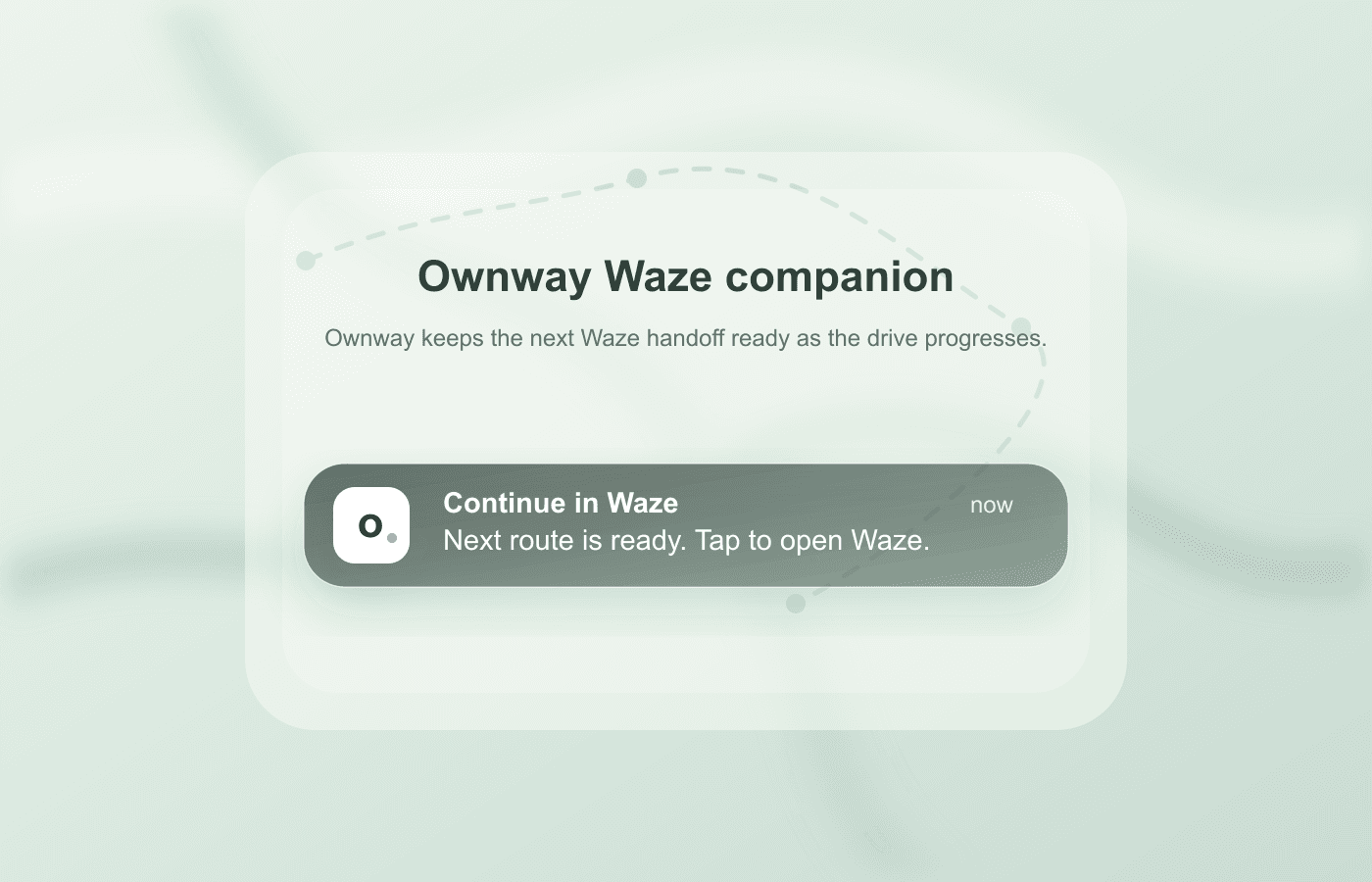
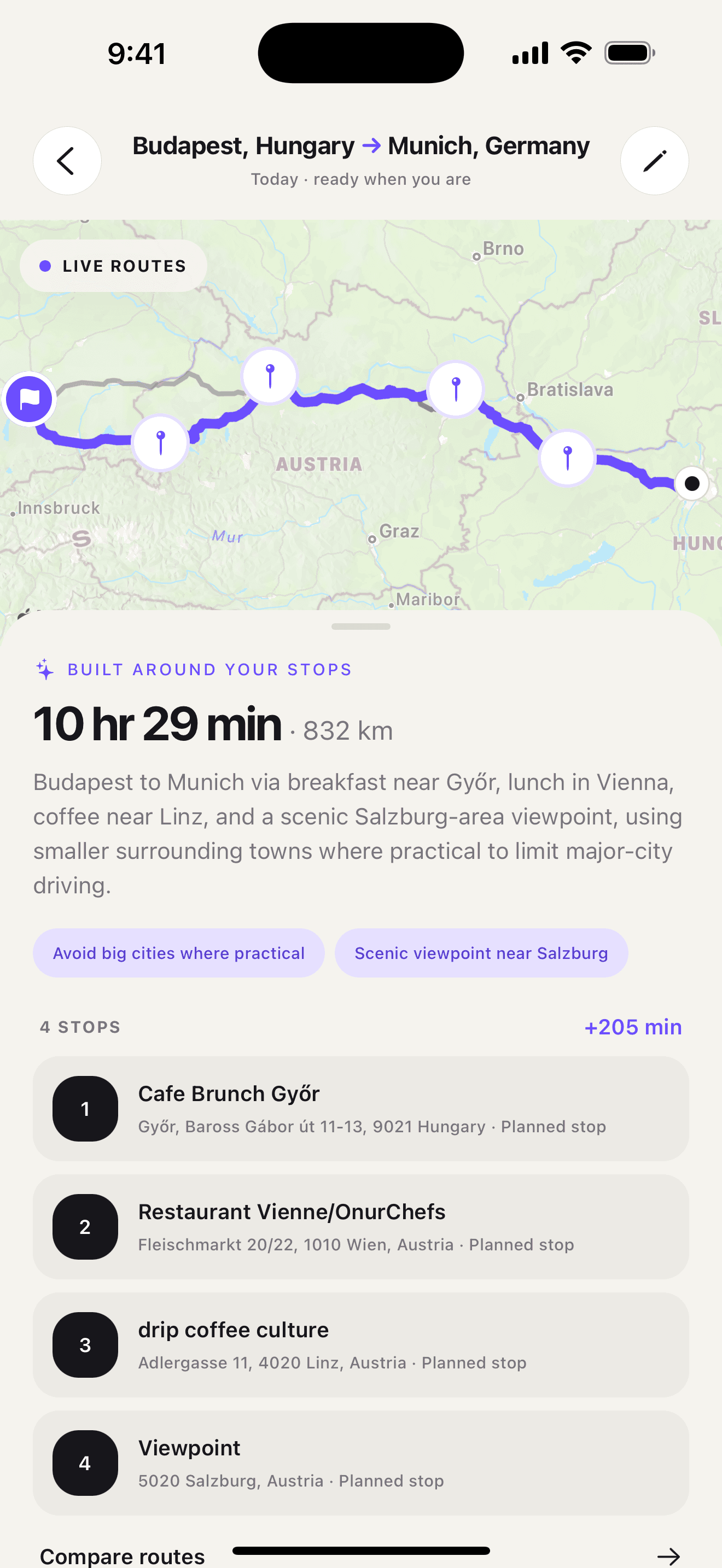
Ownway can turn that kind of brief into real stops, order them, and show the route trade-off before you hand the route to Apple Maps, Google Maps, or Waze Companion. The goal is not to replace navigation. The goal is to make the food stop fit the trip before navigation starts.
Treat the detour in your request as a preference to review against the result. Ownway compares the complete planned itinerary with direct alternatives; it does not provide a separate verified detour for every restaurant. Allow time for the meal itself as well as the additional driving.
Example: choosing between three lunch stops
Imagine a five-hour drive where lunch should happen after two hours.
The search results give you three options:
- a famous restaurant with a 35-minute detour;
- a highway fast-food stop directly on the route;
- a local restaurant six minutes off the route with recent reviews and easy parking.
For a normal travel day, the third option is probably the strongest. It keeps the break enjoyable without letting lunch take over the itinerary. For a food-focused weekend, the famous restaurant may win. For a tired family trying to arrive before bedtime, the highway stop may be the rational answer.
That is why “best restaurants along a route” is not a pure ranking problem. It is a route-fit problem.
Common mistakes
The biggest mistake is picking a restaurant before checking the detour. A place can look close on the map while still requiring a bad exit, a slow local road, or a backtrack.
The second mistake is adding too many food ideas. If the drive already includes coffee, lunch, a viewpoint, and fuel, every “small” detour starts compounding.
The third mistake is using Waze as the entire itinerary. Waze is excellent for the active leg, but longer road trips need a place to keep the whole route visible. Plan first, then navigate.
The practical answer
If you need one quick food stop and already know the area, Google Maps or Apple Maps may be enough. If you are driving with Waze, keep the restaurant plan outside Waze and open the next leg when needed. If you only know the kind of stop you want, use a planner like Ownway to find and order the restaurant within the route.
For broader stop discovery, read how to find good stops along a road trip route. For Waze-specific routing, read how to add and manage stops in Waze.
Frequently asked questions
- What is the easiest way to find restaurants along a route?
- Start with the route, then search within the section of the drive where you actually want to stop. A good lunch result should fit the timing, direction of travel, parking needs, and acceptable detour, not just have a high rating.
- Can Waze find restaurants along a route?
- Waze can add one stop to an active route and includes restaurant search as part of that stop workflow. For a road trip with several food stops, keep the full itinerary in a planner and open each Waze leg separately.
- Is Google Maps enough for finding food along the way?
- Google Maps is useful when you want to browse restaurants and points of interest near the route. A separate route planner is more useful when your request is vague, such as finding a scenic lunch stop after two hours without a large detour.
- Should I choose the highest-rated restaurant along my route?
- Not automatically. For road trips, the best restaurant is often the one that has the right timing, easy parking, a small detour, and enough reliability for the group. A slightly lower-rated place directly on route can be better than a famous place that adds 35 minutes.
Sources
- Find hidden road trip gems with this Maps tipGoogle · Accessed September 6, 2026
- Add a stop to your routeWaze Help · Accessed September 6, 2026
- Plan a driveWaze Help · Accessed September 6, 2026
- ownway - Route & Stop PlannerApp Store · Accessed September 6, 2026